
Written by Kelsey Beauchamp
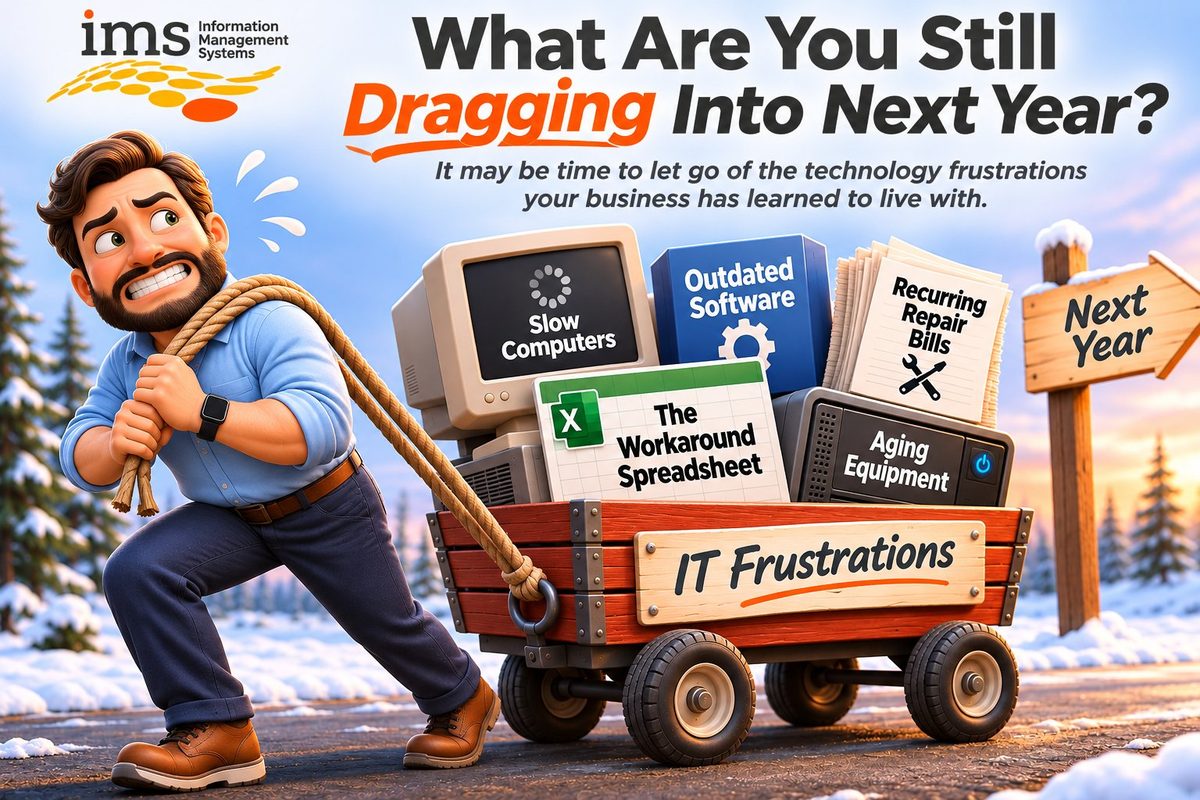
Every business has at least one technology problem everyone has simply learned to live with.
Maybe a computer takes forever to start.
Maybe employees enter the same information into two different systems.
Maybe there is a spreadsheet that has somehow become critical to the business, even though nobody remembers who created it.
Or maybe the same piece of equipment keeps getting repaired because, technically, it still works.
Over time, those frustrations stop feeling like technology problems.
They just become part of the workday.
For Small/Medium Businesses (SMB's) throughout North Dakota, South Dakota, and Minnesota, that can quietly create unnecessary costs, lost productivity, recurring support issues, and even cybersecurity concerns.
The question is not whether every older piece of technology needs to be replaced.
It does not.
The better question is:
Is your technology still helping your business move forward, or has your team simply gotten good at working around it?
Here are five signs it may be time to take a closer look.
Quick Answer: How Do You Know When Business Technology Needs an Upgrade?
Your business technology may need to be upgraded or replaced when it consistently slows employees down, requires recurring repairs, creates unnecessary workarounds, no longer receives appropriate security updates, or cannot support the way your business operates today.
When evaluating business technology, consider:
- Employee productivity
- Reliability
- Cybersecurity
- Support status
- Repair costs
- Software compatibility
- Business growth
- Downtime
- The amount of manual work employees are doing
Age matters, but it should not be the only factor.
The most important question is:
Does this technology still work well for the business?
1. Your Employees Have Created Workarounds
One of the clearest signs that technology is holding your business back is when employees have created extra steps to compensate for what the technology cannot do.
Maybe customer information has to be entered into two different systems.
Maybe someone maintains a spreadsheet because the software does not provide the information the team needs.
Maybe employees email documents back and forth because there is no simple way to collaborate.
Maybe one employee has built an entire process nobody else completely understands.
Those workarounds often begin as temporary solutions.
Then everyone gets used to them.
Ask your employees one simple question:
What technology problem have you learned to live with?
You might hear things like:
- "I enter this information twice."
- "I keep my own spreadsheet."
- "That application freezes every afternoon."
- "Only one person knows how that works."
- "I have to restart before I can print."
- "We have always done it this way."
These answers can reveal inefficiencies leadership may not see.
A workaround that takes five minutes may not sound like much.
But if several employees repeat that workaround every day, the lost time can add up quickly.
2. Your Technology Still Works, But Not Particularly Well
A computer can turn on every morning and still be a problem.
Imagine an employee starts their computer, then goes to get coffee because they know it will take several minutes before they can actually work.
They have done it for years.
Nobody complains anymore.
The slow startup has simply become part of the morning routine.
That is when businesses need to distinguish between:
"It still works."
and
"It still works well."
Those are not the same thing.
Look at the employee experience
Ask:
- Is the equipment reliable?
- Is it slowing down normal tasks?
- Does it run current business applications properly?
- Does it receive appropriate security updates?
- Are employees regularly waiting for it?
- Are employees changing their workflow because of its limitations?
- Is the technology creating frustration every day?
You do not need to replace equipment just because it reaches a certain age.
If it is secure, supported, reliable, and meeting the employee's needs, keeping it may be the smartest decision.
But "we can still use it" should not be the only reason you keep it.
3. You Keep Paying to Fix the Same Technology
Technology occasionally needs repair.
That is normal.
The problem is when the same device or system repeatedly needs attention.
One support call may not justify replacement.
Five support calls over the course of a year deserve a different conversation.
The actual cost is not just the repair bill.
Consider:
- How much support time has been spent on it?
- How long has the employee been unable to work?
- Have customers been affected?
- Has someone else had to stop working to help?
- Has leadership spent time dealing with the problem?
- How many times has the same issue happened?
A repair that looks inexpensive on an invoice can become much more expensive when lost productivity is included.
Ask a different question
Instead of asking:
"How much does another repair cost?"
ask:
"How much has keeping this technology running already cost us?"
That does not automatically mean replacement is the answer.
Sometimes there is an underlying problem that can be resolved permanently.
But recurring issues should be evaluated as a pattern rather than treated as unrelated incidents.
4. Your Technology Is No Longer Supported
Some technology can appear to work perfectly well and still create a business risk.
Software, operating systems, servers, firewalls, and other equipment eventually reach the end of manufacturer support.
When that happens, several problems can develop.
Security updates may stop.
Newer applications may no longer be compatible.
Cybersecurity tools may stop supporting the platform.
Replacement parts may become harder to obtain.
And if the system eventually fails, your options may be limited.
For Small/Medium Businesses (SMB's), unsupported technology can easily stay in place for years if nobody is actively tracking it.
Your IT provider should help you plan ahead
A proactive managed IT provider should know when important technology is approaching end of life.
That gives your business time to:
- Budget for replacement
- Evaluate alternatives
- Schedule upgrades
- Minimize downtime
- Coordinate with other vendors
- Avoid emergency purchasing
The goal is to replace technology on your schedule.
Not when the technology finally decides for you.
5. Your Business Has Outgrown the Technology
Sometimes there is absolutely nothing wrong with the technology itself.
The business simply changed.
A system that worked for 10 employees may become frustrating with 40.
Software designed for one office may not work well when employees are spread across multiple locations.
A simple process that worked when the company was smaller may become inefficient as customer volume grows.
This happens gradually.
Businesses:
- Hire employees
- Add customers
- Open locations
- Adopt cloud applications
- Add services
- Work remotely
- Change processes
- Add new security requirements
Eventually, technology that once fit the business may start creating friction.
Ask whether your technology fits where the business is going
Consider:
- Are we planning to hire?
- Are we adding a location?
- Are employees working differently than they did several years ago?
- Are our applications still appropriate?
- Are employees creating manual processes to fill gaps?
- Do our systems integrate properly?
- Are we paying for applications we barely use?
- Could some tools be consolidated?
Technology planning should not only focus on what is broken today.
It should also consider what the business will need tomorrow.
Employee Frustration Can Be an Early Warning Sign
Your employees may be one of your best sources of information about technology problems.
They use your systems every day.
They know which applications are frustrating.
They know which computers are slow.
They know which processes require extra work.
The problem is that employees often stop mentioning those things.
They assume nothing will change.
Or they have become so accustomed to the workaround that it no longer feels unusual.
Ask your team:
"If you could fix one technology frustration that slows you down every week, what would it be?"
You do not have to fix everything employees mention.
But their answers can help identify where technology is quietly creating unnecessary work.
How Should an SMB Prioritize Technology Upgrades?
Once you identify potential issues, do not assume everything needs to happen immediately.
Prioritize.
A simple framework is:
Do Now
Technology that creates:
- Significant cybersecurity risk
- Recurring downtime
- Major productivity issues
- Unsupported systems
- Serious reliability concerns
Plan Next
Technology that is still working but should likely be replaced or improved within the next year.
Monitor
Technology that is aging but remains secure, supported, reliable, and appropriate for the business.
Wish List
Improvements that could create value but are not currently necessary.
This approach helps leadership distinguish between:
"We should eventually improve this."
and
"This is becoming a business problem."
Include Technology Lifecycle Planning in Your IT Budget
Technology replacements should not constantly feel like surprise expenses.
A good IT budget should anticipate when important equipment is likely to need attention.
That may include:
- Computers
- Laptops
- Servers
- Firewalls
- Network switches
- Wireless access points
- Phones
- Monitors
- Backup equipment
- Other business-critical technology
Your managed IT provider should help maintain visibility into:
- Age
- Warranty status
- Support status
- Reliability
- Repair history
- Expected replacement timeline
This allows you to plan.
Instead of discovering that eight computers need replacement at the same time, you may decide to replace four this year and four next year.
That makes technology spending much more predictable.
Keeping Old Technology Is Not Always the Cheapest Option
Replacing technology costs money.
That makes holding onto older equipment feel like the less expensive choice.
Sometimes it is.
Sometimes it is not.
The true cost of older technology can include:
- Recurring support
- Employee downtime
- Lost productivity
- Security exposure
- Compatibility problems
- Emergency replacement costs
- Leadership time
- Customer frustration
Imagine an employee loses 15 minutes every workday because of a slow computer.
That may not seem significant.
Over the course of a year, it can add up to dozens of hours of lost productivity.
Multiply that across several employees and suddenly keeping the old equipment may not look nearly as inexpensive.
Your IT Provider Should Not Tell You to Replace Everything
This is important.
Technology lifecycle planning should not mean:
"It is old. Buy a new one."
A trusted IT partner should help determine whether replacement actually makes business sense.
Sometimes the recommendation should be:
Replace it now.
Sometimes:
Let's include it in next year's budget.
And sometimes:
Keep it. It is still doing exactly what your business needs.
At Information Management Systems, we believe technology recommendations should make sense for the business, not simply for the technology.
Why This Matters for SMBs in ND, SD, and MN
Small/Medium Businesses throughout North Dakota, South Dakota, and Minnesota often operate with lean teams.
Employees wear several hats.
Owners and managers stay closely involved in day-to-day operations.
And there may not be a large internal IT department continuously evaluating every system and process.
That makes it easier for small technology frustrations to become normal.
A process that wastes five or ten minutes may not seem important.
But when several employees repeat that process every day, it can have a very real impact.
For an SMB, every employee's time matters.
Before Another Year Begins, Ask These Questions
Before carrying the same technology into another year, ask:
What technology problem has our team learned to live with?
Where are employees creating unnecessary workarounds?
What do we keep paying to repair?
What is slowing employees down?
What technology is approaching end of support?
What systems no longer fit how the business operates?
What could we improve now that would make employees more productive next year?
Those answers can help create a smarter technology roadmap.
Stop Carrying Technology Frustrations Into Another Year
Familiar problems are easy to overlook.
The slow computer.
The recurring error.
The duplicate data entry.
The spreadsheet workaround.
The application only one employee understands.
The equipment everyone expects to break again.
None of those automatically means you need to spend money replacing everything.
But they deserve an intentional decision.
At Information Management Systems, we help Small/Medium Businesses (SMB's) throughout North Dakota, South Dakota, and Minnesota evaluate their existing technology, identify recurring issues, plan equipment lifecycles, and decide what actually deserves attention.
Sometimes the smartest recommendation is replacing something.
Sometimes it is fixing the underlying problem.
And sometimes it is keeping exactly what you have.
The goal is to make sure your technology is still supporting your business instead of your employees constantly supporting the technology.
Is Your Business Technology Holding You Back?
Let's Talk About Your IT.
Call 701-364-2718 or visit www.imsnetworking.com.
Frequently Asked Questions About Business Technology Upgrades
1. How do I know when my business technology needs to be upgraded?
Business technology may need an upgrade when it consistently slows employees down, requires repeated repairs, creates unnecessary workarounds, no longer receives appropriate security updates, cannot support current applications, or no longer meets the needs of the business. SMBs should consider productivity, reliability, cybersecurity, support status, and total cost rather than age alone.
2. How often should a Small/Medium Business replace its computers?
There is no single computer replacement schedule that works for every Small/Medium Business. Replacement decisions should consider device age, warranty status, employee needs, performance, security support, software requirements, and repair history. A managed IT provider can help create a technology lifecycle plan that allows replacements to be budgeted in advance.
3. When is it cheaper to replace technology instead of repairing it?
Replacement may make more financial sense when recurring repair costs, employee downtime, lost productivity, compatibility issues, and reliability problems begin to outweigh the value of keeping the technology. Businesses should evaluate the total cost of maintaining equipment rather than looking at each repair individually.
4. Why is unsupported technology a cybersecurity risk for SMBs?
Unsupported technology may no longer receive security patches or important updates from the manufacturer. That can expose the business to known vulnerabilities and create compatibility issues with newer applications and cybersecurity tools. SMBs should identify technology approaching end of support and plan upgrades before it becomes an urgent security or operational problem.
5. How can businesses in North Dakota, South Dakota, and Minnesota plan technology upgrades?
Small/Medium Businesses in North Dakota, South Dakota, and Minnesota can plan technology upgrades by maintaining an equipment inventory, tracking age and warranty information, monitoring recurring support issues, reviewing manufacturer support dates, gathering employee feedback, and working with a managed IT provider to create a multi-year technology roadmap. Planning upgrades in advance can help reduce emergency expenses and make technology costs more predictable.